
Engineering · Measurement · Shipping Notes
How I Measure Performance, Accessibility, SEO, and Reliability
Here is the measurement stack I use, when I use each tool, and what I look for.
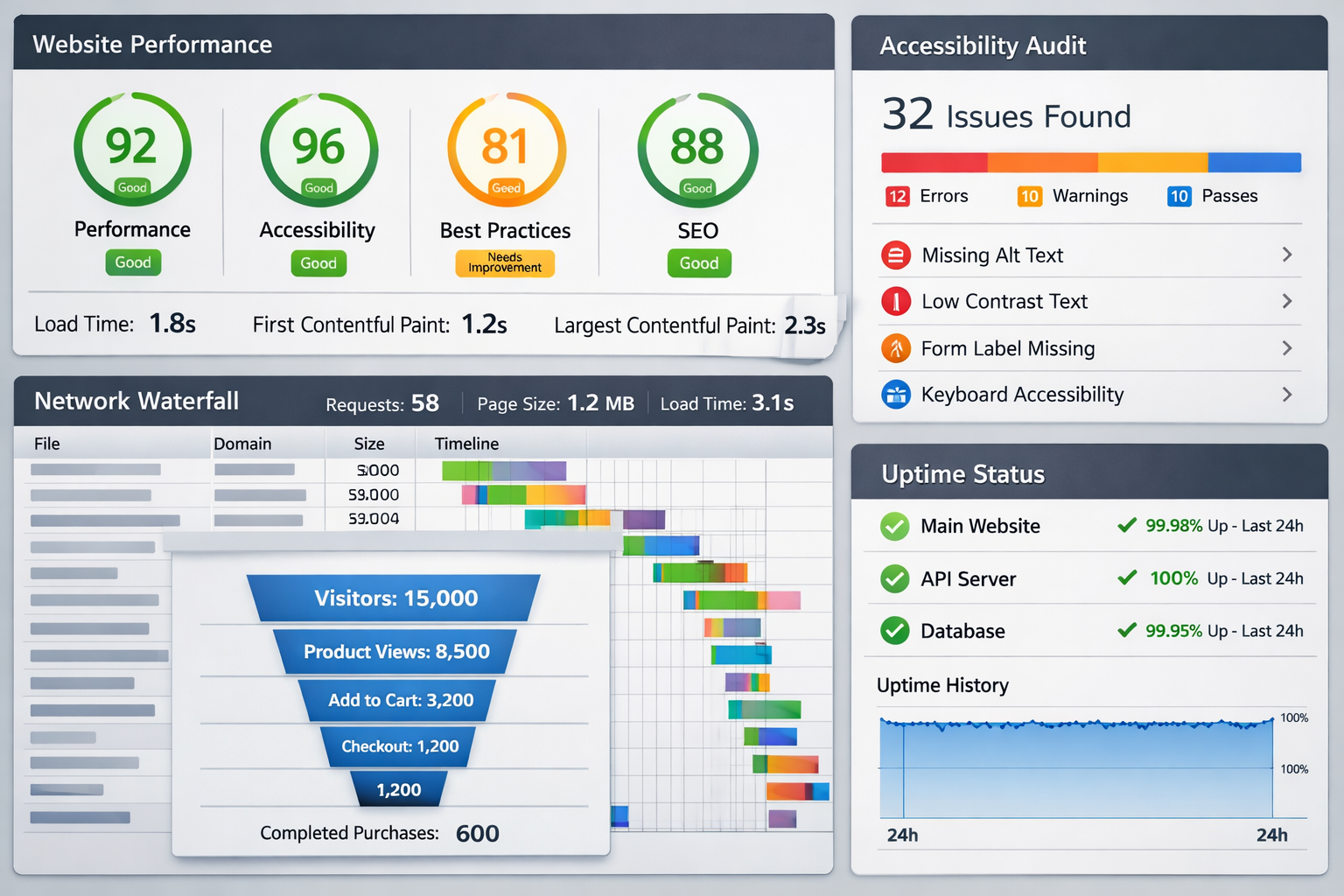
A client once looked at my CV and said something along the lines of: “You are throwing metrics around. How are you arriving at these numbers?”
Fair question.
Fortunately, it was not the first time I had seen that kind of pushback. Years ago, I was in a stakeholder meeting where someone else got challenged the same way. Instead of arguing, he calmly referenced the tools and the reports. I wrote those tools down, went home, and started learning them properly. I was able to explain to the client what tools I use, and how I arrive at the numbers.
So this post is simple: these are the tools I actually use to measure what I claim: performance, accessibility, traffic, reliability, and behavioural outcomes. I will also note what each tool is best for, and what I typically look for.
A quick note on measurement (lab vs real users)
Most of what we call “performance scores” are lab measurements: repeatable tests run in a controlled environment. They are useful for diagnosing problems and validating improvements.
Some metrics are field signals: how real users experience the site in the wild. I track those through analytics, Search Console patterns, and reliability monitoring. If I claim a number, I should be able to point to where it came from.
1) Lighthouse (DevTools): quick audits and regression checks
When I use it: early and often. Before and after changes. During rebuilds. Before shipping.
What I look for:
- Performance score trends (not worship, just signal)
- Opportunities list (render-blocking, unused JS/CSS, images, fonts)
- Largest Contentful Paint (LCP) suspects
- Accessibility red flags (basic but still useful)
Best use: fast feedback loops and catching regressions.
2) PageSpeed Insights (PSI): when I need the report a client understands
When I use it: when I need to communicate results clearly to stakeholders, or compare pages consistently.
What I look for:
- The lab report and the exact recommendations
- Mobile vs desktop differences
- Whether issues are consistent across pages or isolated to one template
Best use: sharing a credible performance snapshot that is easy to reference.
3) Chrome DevTools: the place where guesses go to die
When I use it: whenever something feels slow, heavy, inconsistent, or “fine on my machine”.
What I look for:
- Network waterfall: large assets, late-loading assets, third-party bloat
- Performance recording: long tasks, main thread pressure, layout thrashing
- Coverage: unused CSS/JS
- Console warnings/errors that hint at broken behaviour
Best use: debugging the real cause, not just treating symptoms.
4) WebPageTest: deep dives and waterfalls that do not lie
When I use it: when performance needs serious diagnosis, or when I need clean, repeatable before/after comparisons.
What I look for:
- Waterfall and request breakdown
- TTFB, start render, fully loaded patterns
- Third-party cost
- Caching behaviour and compression
Best use: proper investigation and evidence-grade comparisons.
5) Google Search Console: technical SEO and visibility signals
When I use it: after shipping changes that affect indexing, structure, or content. Also when a site “exists” but nobody finds it.
What I look for:
- Index coverage and errors (pages excluded, redirects, canonical issues)
- Performance (queries, impressions, CTR trends)
- Pages that should rank but do not, and why
Best use: diagnosing visibility and confirming that search engines are reading the site correctly.
6) GA4 + GTM: behaviour, funnels, and whether changes actually helped
When I use it: whenever a site has conversion goals, or when a stakeholder asks, “Did this improvement matter?”
What I look for:
- Funnel drop-off (where users abandon)
- Event integrity (are we tracking correctly, or are we lying to ourselves?)
- Engagement shifts after changes
- Key actions: click-to-call, form submissions, checkout steps, sign-up steps
Best use: tying engineering work to real outcomes.
7) axe + WAVE: accessibility checks that keep me honest
When I use it: during UI build, during refinement, and before shipping.
What I look for:
- Contrast issues, missing labels, ARIA misuse
- Heading structure and landmark roles
- Keyboard traps and focus visibility (manual testing still matters here)
Best use: catching obvious issues early and validating baseline accessibility.
8) UptimeRobot: reliability is a feature
When I use it: for any public-facing site I ship and care about.
What I look for:
- Downtime incidents and patterns
- Response-time spikes
- Alerts that help me catch issues before users do
Best use: keeping the site dependable over time, not just “shipped”.
9) Playwright: frontend confidence at scale
This is the one I wish more frontend engineers treated as a standard part of “measurement”.
When I use it: when a project has repeated UI flows, forms, or anything likely to regress. Also when shipping changes fast.
What I look for:
- End-to-end flow stability (sign up, login, checkout, navigation)
- Visual regressions (when configured)
- Accessibility assertions (Playwright can integrate with a11y checks)
- Smoke tests that run before deployment
Best use: preventing silent breakage and protecting velocity.
Other tools
These are some other tools I also use:
- For real-user performance trends, I also check CrUX (via PSI field data) when it’s available.
- For JavaScript bundle analysis, I use tools like
webpack-bundle-analyzerorsource-map-explorerto see what is actually shipping. - For quick performance budgets and audits in CI, I use Lighthouse CI.
- For API and network debugging outside the browser, I use Postman or Insomnia.
- For error monitoring and production visibility, tools like Sentry help catch issues users experience but don’t report.
- For SEO crawls and broken-link checks, Screaming Frog is a solid baseline.
- For visual regression testing alongside Playwright, I use snapshot-based diffs (or a service like Percy) when the project warrants it.
The point
If I put a number in a CV, case study, or report, it should not be vibes. It should be traceable.
This is the stack I use. It is not perfect, but it is honest, and it gives me a way to defend my claims, refine my work, and keep improving.
If you’re hiring a frontend engineer, let’s talk, click here to contact me.